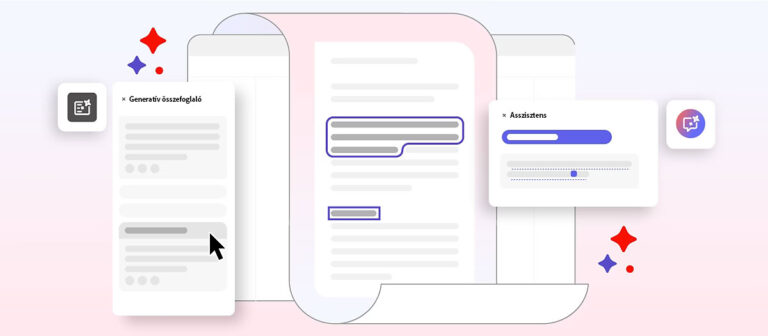
Adobe Acrobat has long been one of the best-known PDF management tools, but this year it has reached a new level. Alongside the traditional Standard and Pro versions comes Acrobat Premium, which helps you work more efficiently with artificial intelligence (Acrobat AI Assistant) and advanced e-signature features.
1. Acrobat Standard – the reliable foundation
For Acrobat Standard is the perfect choice for those who:
- want to create, edit, and share PDFs,
- want to work with basic password protection,
- want to use simple e-signature features.
Who is it recommended for? For sole proprietors and smaller offices in a Windows environment.
2. Acrobat Pro – advanced document management
The Acrobat Pro is for those who:
- edit scanned documents (OCR),
- compare documents,
- remove sensitive data (redaction),
- create accessible PDFs,
- work on Windows or macOS.
Who is it recommended for? For lawyers, accountants, and enterprise users.
3. Acrobat Premium – turbocharged with artificial intelligence
The Acrobat Premium expands the possibilities with artificial intelligence:
- You can chat with PDF documents and ask them questions
- Summarizes long texts and highlights key points
- Generates content for emails, blogs, and presentations
- Creates analyses from multiple documents at once
- Microsoft Teams integration: meeting summaries automatically
Who is it recommended for? For teams and organizations that want fast, AI-powered document management – primarily for government use.
Feature comparison table
| Feature | Acrobat Standard | Acrobat Pro | Acrobat Premium |
|---|---|---|---|
| PDF editing and protection | ✅ | ✅✅ | ✅✅ |
| OCR (from scan to editable PDF) | ❌ | ✅ | ✅ |
| Document comparison | ❌ | ✅ | ✅ |
| AI assistant | ❌ | ❌* | ✅ |
| E-signature and templates | ✅ | ✅✅ | ✅✅✅ |
| ISO/PDF/A compatibility | ❌ | ✅ | ✅ |
| Available on macOS | ❌ | ✅ | ✅ |
| Available only in the VIP program | ❌ | ❌ | ✅ |
* AI Assistant is available as a separately purchasable add-on in Acrobat Pro.
Summary
– Standard: for basic tasks in a Windows environment
– Pro: for more advanced PDF work on Windows/macOS
– Premium: for AI-powered work, especially for organizations and government users